
I-7565-G
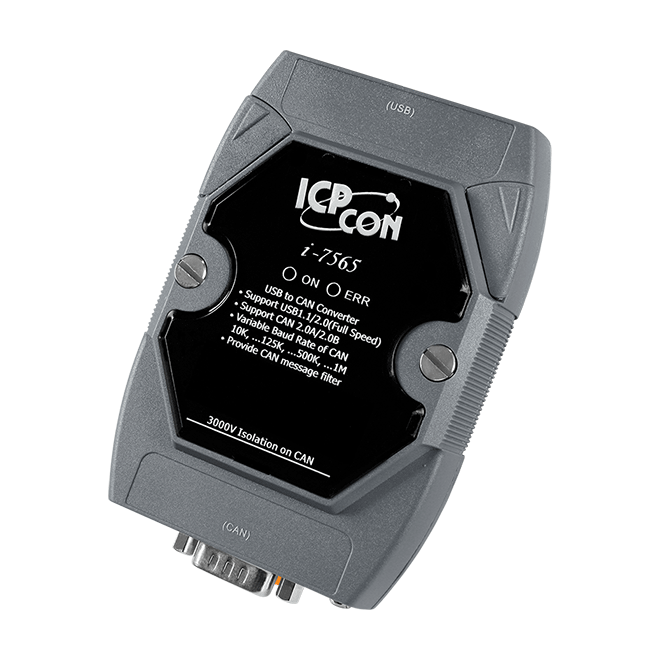
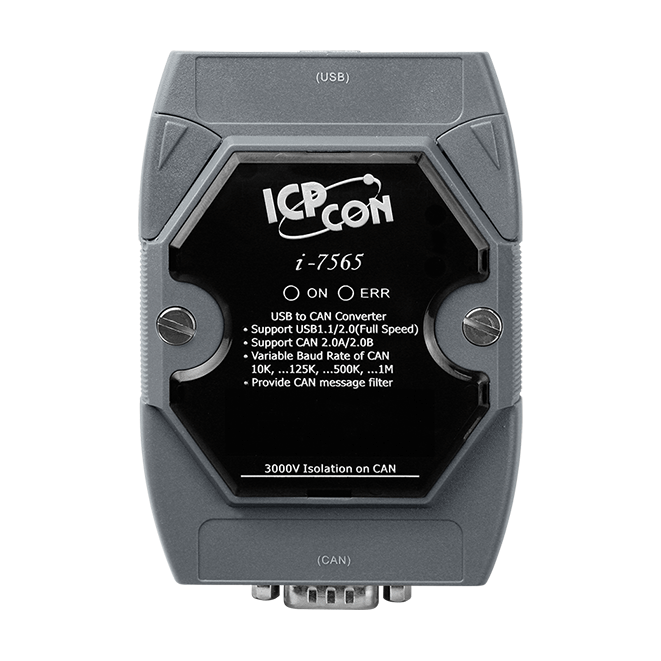
USB to CAN Converter


Features
- Fully compliant with USB 1.1/2.0(Full Speed)
- Fully compatible with the ISO 11898-2 standard
- No external power supply is required as I-7565 takes it's power from the USB bus
- Transmission speed up to 1M bps for CAN and 921.6K bps for USB
- Support both CAN 2.0A and CAN 2.0B
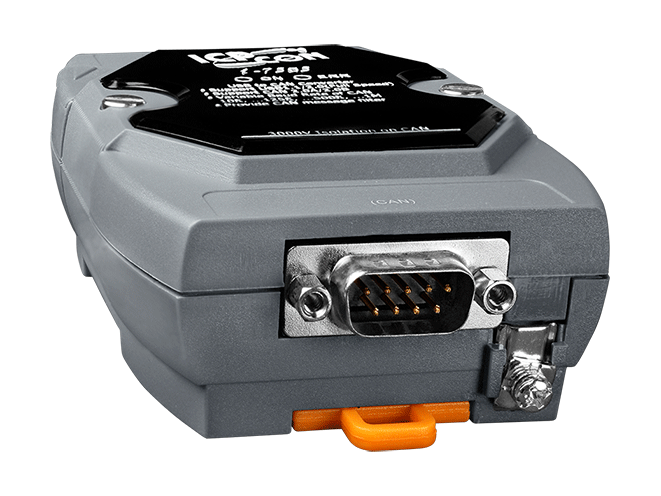
- Built-in jumper to select 120 ohm terminal resister
- Power, data flow and error indicator for CAN and USB
- 1000 frames in CAN received buffer
- Watchdog inside
- Windows XP/7/10/11and Linux drivers support
- Able to configure the CAN baud rate for each channel using a rotary switch
- Extends the CAN transmission distance


Introduction
CAN (Controller Area Network) is a serial bus system especially suited to structure intelligent industry devices networks and build smart automatic control systems. The I-7565 is a cost-efficient device for coupling the CAN-bus to the PC using the standard USB interface by the MS-Windows XP, Win 7, Win 10, Win 11 and Linux operating systems. If you establish the connection between the I-7565 and the PC during the runtime of the computer, the PC automatically loads the relevant device driver (hot plug & play).
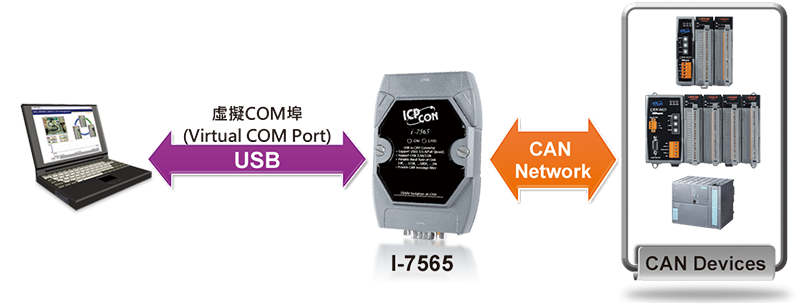
The following figure shows the application architecture for I-7565 modules. The PC can be the CAN host, monitor or HMI to access/control the CAN device through the CAN network by the I-7565 Converter. This module let you to communicate with CAN devices easily from PC with USB interface.
3000V isolation on CAN side
Watchdog inside
Power and Error indicator display
Applications

Ordering Information
| PRODUCT SERIES | DESCRIPTION | QNT. | INQUIRY |
|---|---|---|---|
Similar Products
| LED Indicators | |
|---|---|
| Status | 1 x Power 1 x CAN status |
| USB | |
|---|---|
| Specification | USB 1.1 and 2.0 standard |
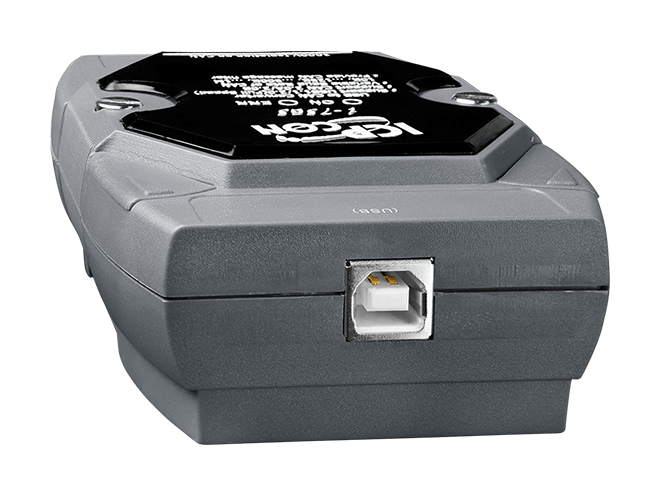
| Connector | 1 x USB (Type B) |
| Driver | Windows XP, Win 7, Win 10, Win 11 and Linux |
| Receive Buffer | 900 data frames |
| CAN | |
|---|---|
| Ports | 1 |
| Specification | CAN 2.0A/2.0B |
| Baud Rate | 10 k ~ 1 M bps |
| Isolation | 3000 Vrms on the CAN side |
| Terminal Resistor | Selectable 120 Ω terminal resistor by jumper |
| Filter | Yes |
| Receive Buffer | 1000 data frames |
| Power | |
|---|---|
| Input Range | USB power delivery |
| Consumption | 1.5 W |
| Mechanical | |
|---|---|
| Casing | Plastic |
| Dimensions (mm) | 72 x 112 x 33 (W x L x H) |
| Installation | DIN-Rail |
| Environment | |
|---|---|
| Operating Temperature | -25 ~ +75 °C |
| Storage Temperature | -30 ~ +80 °C |
| Humidity | 10 ~ 90% RH, Non-condensing |
- CAN bus Baud rate configuration
- CAN acceptance filter configuration
- CAN2.0A or 2.0B specific selection
- Checksum and Error Response settings
- Easy test to transmit/receive CAN messages
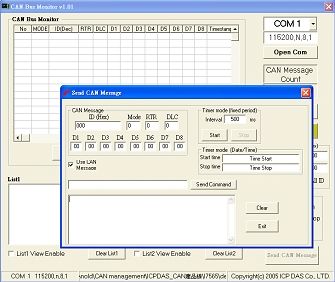
CAN Monitor & Datalog Tool
- It has a CAN message field which can display the receiving CAN messages in Decimal or HEX mode
- Can display the timestamp of each received CAN message
- Users can change the display mode, up-down, down-up or stop
- It can count the number of received CAN messages
- Data Log : It can save the CAN message as “ txt ” file
- Has CAN ID filter function
- Can send CAN message to CAN BUS according the defined interval time
Software Download